
PRTG Manual: Tools
On the Tools menu tab, you have access to several tools. If you configure placeholders (or variables) in a tool command, the application resolves all of them.
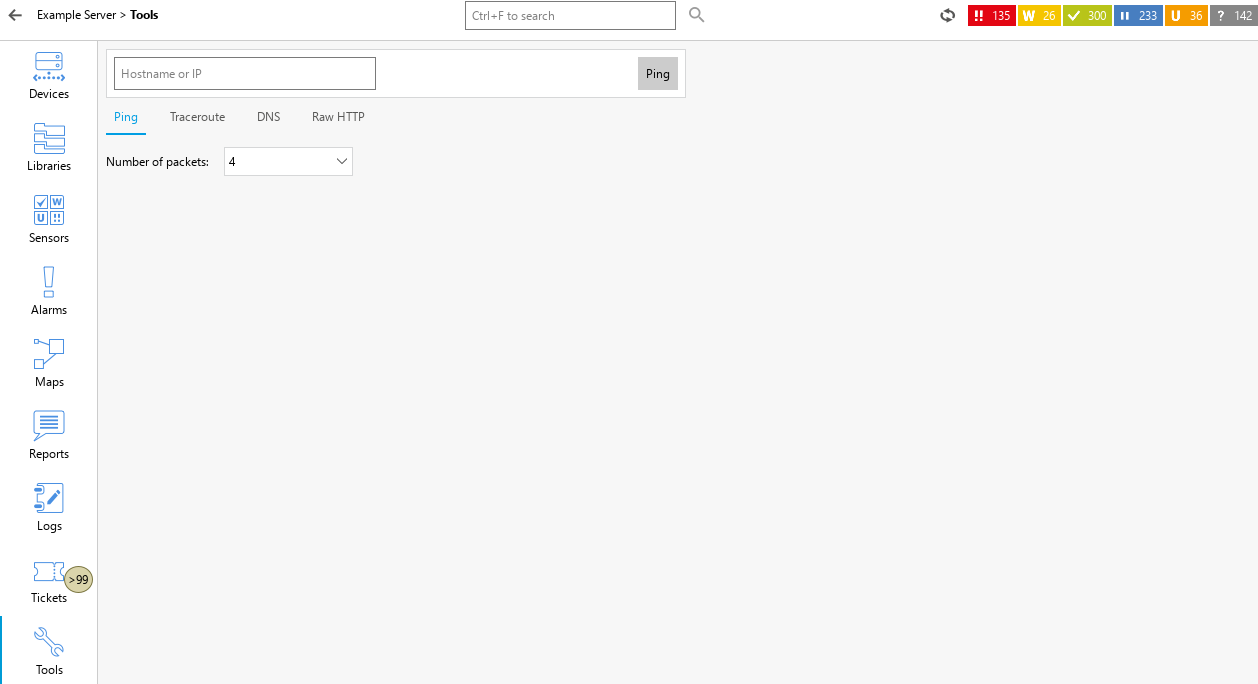
Tools
The following tools are available:
Tool |
Description |
|---|---|
Ping |
To ping a device, enter the hostname or IP address and the number of packets to send and click Ping. The PRTG app for desktop then shows the number of sent, received, and lost packets; the loss percentage; and the minimum, maximum, and average times. |
Traceroute |
To start a traceroute on the device, enter the hostname or IP address and click Traceroute. The PRTG app for desktop then displays the route and measures transit delays of packets across the IP network. |
DNS |
To start a DNS lookup, enter the hostname and click Lookup. The PRTG app for desktop then shows the IP address of the hostname. |
Raw HTTP |
To get the raw HTTP from a website, for example, enter a GET request and click Go. The PRTG app for desktop then returns the raw HTTP. |
