
PRTG Manual: Reports
On the Reports menu tab, you see all available reports of the PRTG server.
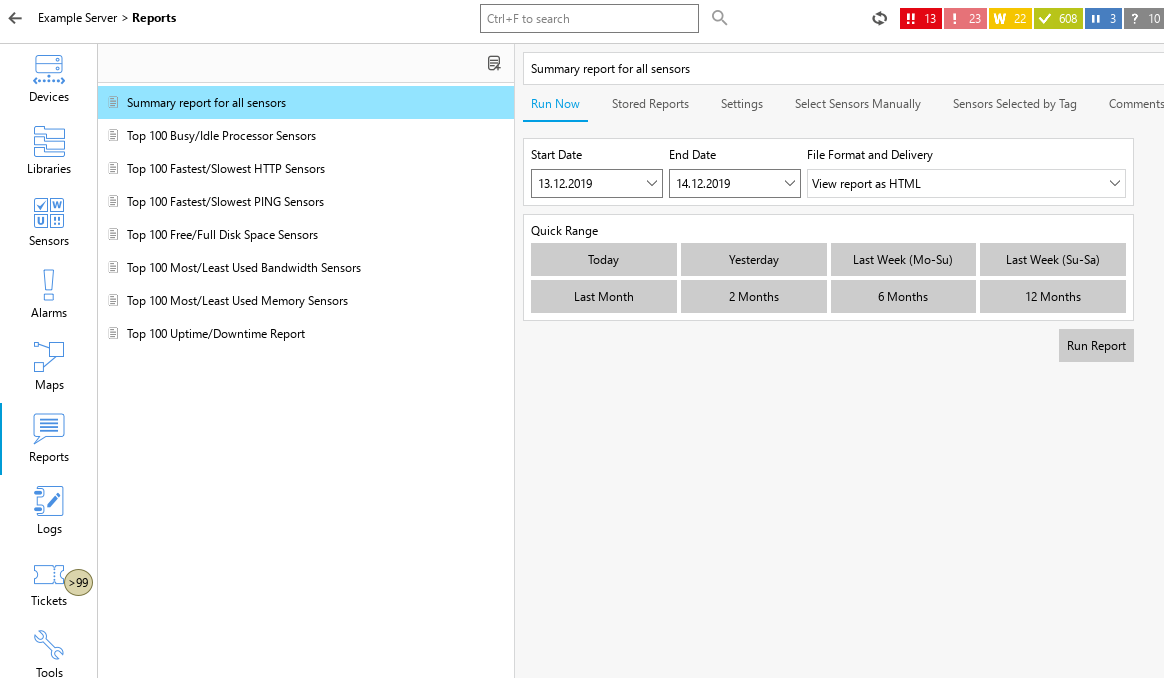
Reports
The following actions are available:
▪Click a report's name to open its details. On the right-hand side, you see the options for the report.
▪In the tabs above the report, select from Run Now, Stored Reports, Settings, Select Sensors Manually, Sensors Selected by Tag, and Comments.
▪Right-click a report's name to open its context menu. The following actions are available: Rename, Edit, Clone, and Delete.
▪Click  to add a new report.
 PRTG MANUAL
