
PRTG Manual: Using Network Tools
Network tools allow network administrators to perform common device operations and queries from one simple location. By using UVexplorer discovery results, together with device groups, filters, and topology maps, administrators can easily see and filter devices into groups for performing operations such as checking real time statistics and capturing configurations.
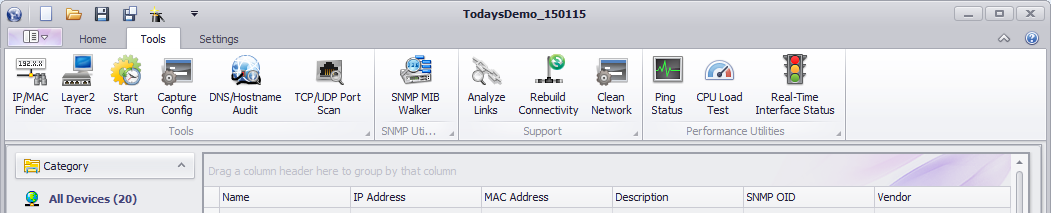
Network tools are available in the Tools tab on the main view of UVexplorer, or through context menus on the device grid or the topology map.
For details about the available network tools see the following:
