
PRTG Manual: Uninstall
Follow the below steps to uninstall PRTG Data Exporter:
1.Open Windows Settings and go to Apps | Installed apps or Apps & features, depending on your Windows version.
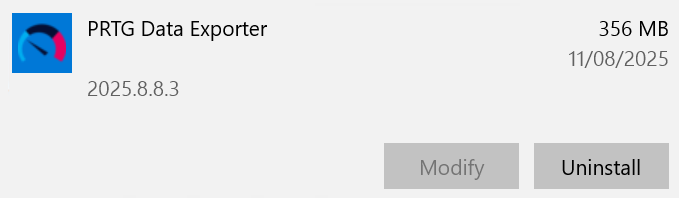
Uninstall PRTG Data Exporter
2.Select PRTG Data Exporter and click Uninstall.
3.The uninstaller removes PRTG Data Exporter and its related files.
 There may still be data stored on the system after you uninstall the application. To completely remove all data related to PRTG Data Exporter, delete the \PRTG Data Exporter folder in C:\ProgramData\Paessler.
If you do not want to keep the prerequisites that you installed with the Prerequisite Setup Wizard, you must remove them separately.
