
PRTG Manual: PRTG Data Exporter UI
PRTG Data Exporter comes with a web interface where you can see and manage everything related to your data exports. On your first login, you must sign in with the default credentials:
▪Username: admin
▪Password: Adm1n!
We recommend you to change the default password after your first login. For more information, see an overview of the menu bar below.
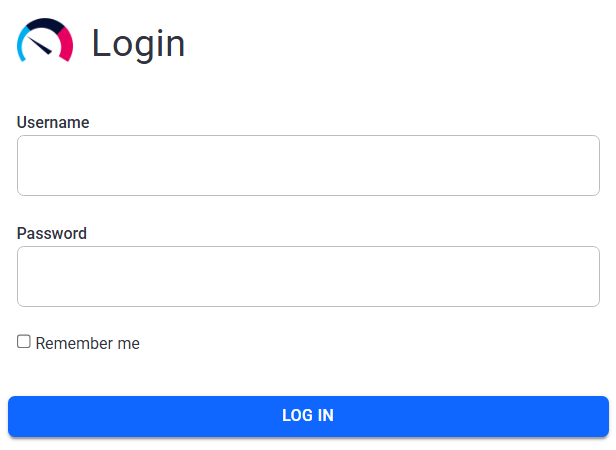
Login page
Once you log in, you can see the home page. See below an overview of the menu bar and the available tabs.
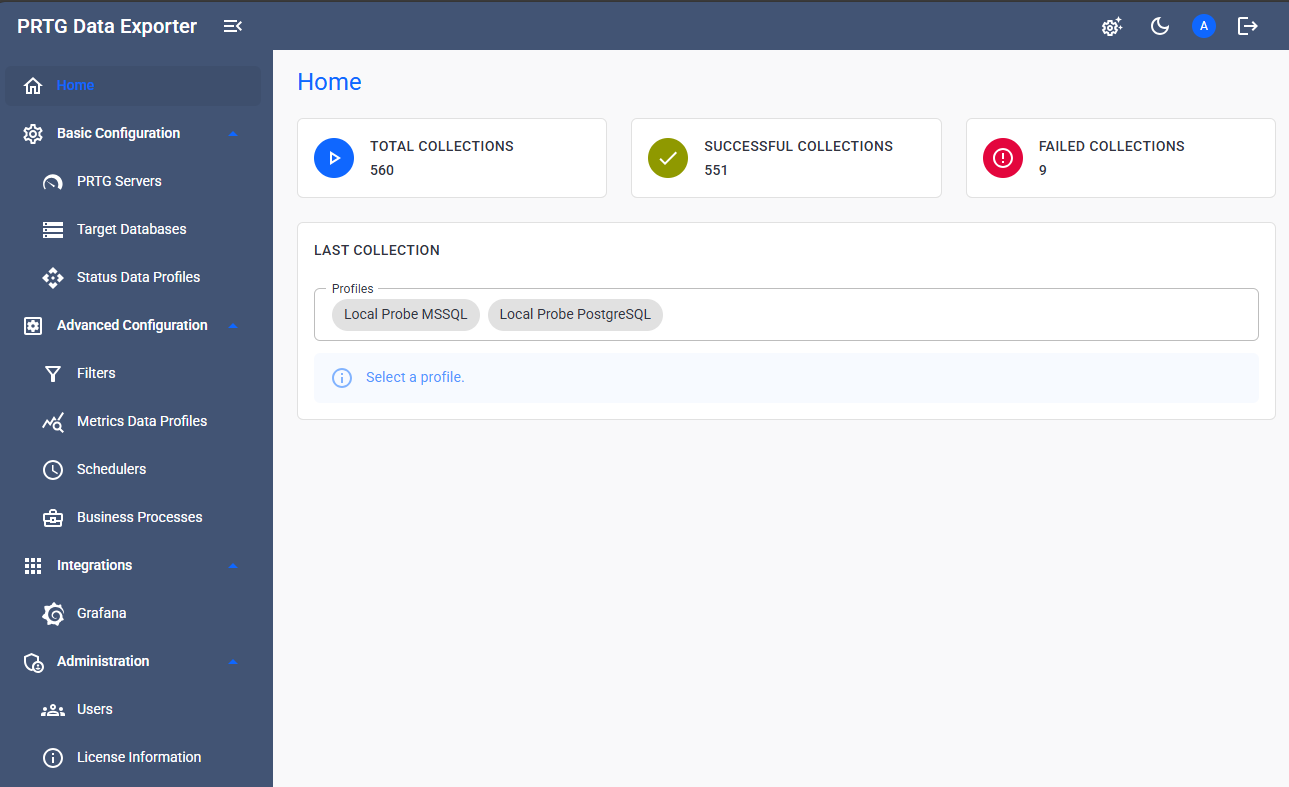
Home page
Menu bar
In the top right corner, you can access the menu bar:
Menu tab |
Description |
Configuration wizard |
Open the Export Rule Configurator wizard. |
Theme |
Switch between dark mode and light mode. |
Profile settings |
See the username of the current user, go to the profile settings, or change your password. |
Logout |
Log out of PRTG Data Exporter. |


Tabs
On the left, you can find the sidebar where you can navigate between the home page and other tabs, which are organized into groups:
Home page
Tab |
Description |
Home |
View a summary of the data collections. |
Configuration
Tab |
Description |
PRTG Servers |
Create and manage connections to PRTG servers. |
Create and manage filters to use with profiles. Filters specify the source of the data and identify what kind of data PRTG Data Exporter collects, such as PRTG server information, PRTG objects IDs, and PRTG tags. You can use the same filter in multiple profiles. |
|
Create and manage connections to databases. Databases are the specification of the target data storage. Each profile has exactly one target database. Multiple profiles can use the same database. |
|
Create and manage profiles. Profiles specify which database receives which data and for what time frame. You can run adhoc data collections manually or set up a continuous data collection process. |
Data Collection
Tab |
Description |
Run & Progress |
Manually start the historic data collection and check the progress. |
History |
History of the Data Collection executions. |
Plugins
Tab |
Description |
Grafana |
Manage your Grafana settings and resources. |
Business Process |
Manage your Business Processes. |
Administration
Tab |
Description |
Users |
Manage application users. |
Tasks |
List of tasks that are running in the background. |
License Information |
See information about and manage your PRTG Data Exporter license. |
