
PRTG Manual: Schedules
The Schedules page allows you to create schedules that can be used either to configure a maintenance period or to schedule reports. Use schedules to define periods of time where downtime is considered planned.
For example, consider the schedule "Test environment outage" below. All downtime that happens between midnight (00:00) on November 6, 2023 and 11:55 PM (23:55) on December 7, 2023 is considered planned downtime.
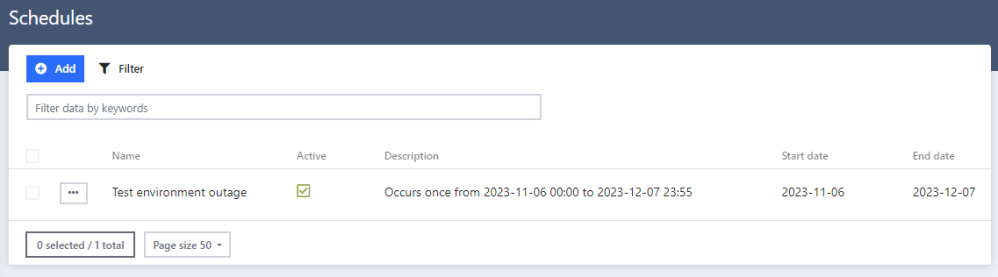
Schedules page
Create a schedule
1.Click  in the upper left corner of the page.
2.In the Add window, fill out the fields and click Submit.
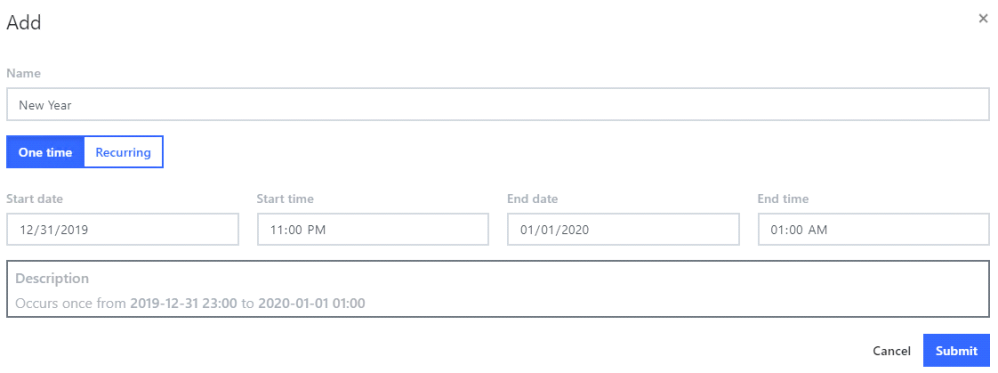
Add schedule
Setting |
Description |
Name |
Enter the name of the schedule. |
One time/Recurring |
Define the number of times this schedule occurs: ▪One time: The schedule occurs once. ▪Recurring: The schedule occurs more than once. Schedules can reoccur daily, weekly, or monthly. |
Start date |
Define the date the schedule starts. |
Start time |
Define the time the schedule starts. |
End date |
Define the date the schedule ends. |
End time |
Define the time the schedule ends. |
Description |
This field is automatically populated with the details provided in Start date, Start time, End date, and End time. |
Exception Days
Schedules can contain exception days.
1. Open the schedule options menu.
2.Click Exception days.
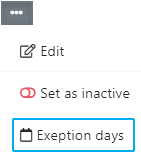
Add exception days
3.On the calendar, select days that the schedule should not run on. These days are ignored by the schedule and downtime will not be set as planned.
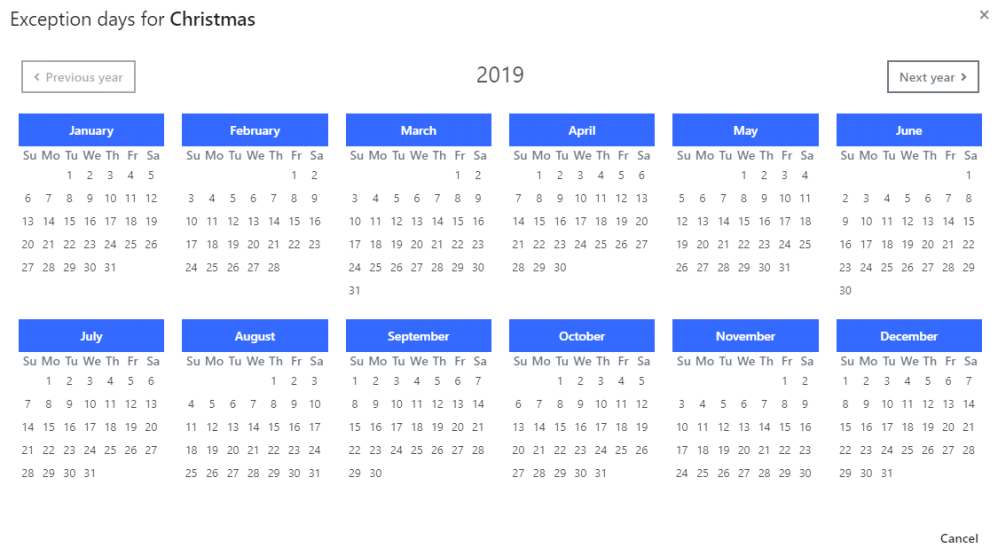
Schedule exception days
