
PRTG Manual: Query groups
PRTG Database Observer allows you to do group queries in order to create custom, native PRTG Templates.
1.Click  in the Groups panel to add a group.
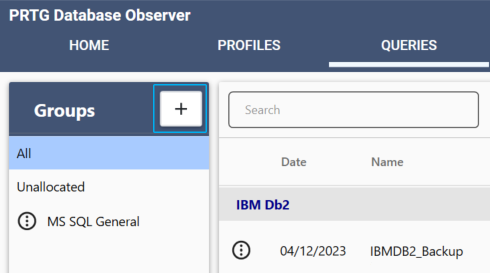
Query groups
2.Enter the necessary fields and click Save.
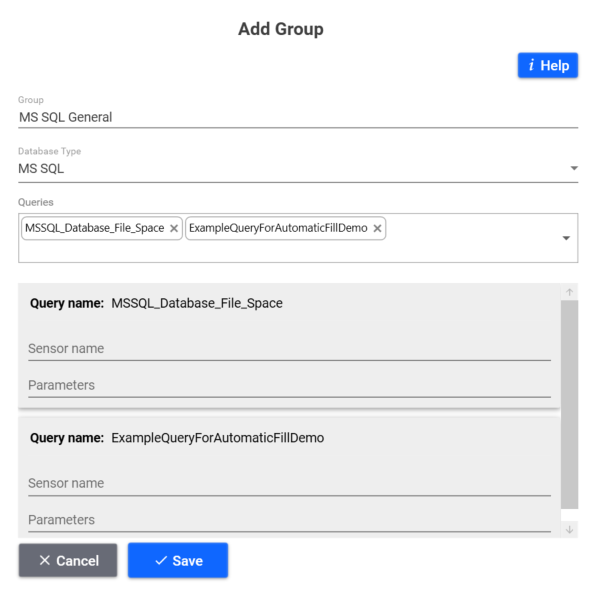
Add query groups
Setting |
Description |
|---|---|
Group |
Enter the name of the group. |
Database Type |
Select the type of the database that all queries in the group use. |
Queries |
Select the queries that are part of the group. |
Sensor name |
Enter the sensor name associated with a query. If you leave this field empty, the sensor will use the query name as the sensor name. |
Parameters |
Enter any parameters for the query.
|

To edit a query group click, on  next to the query name and then click Edit.
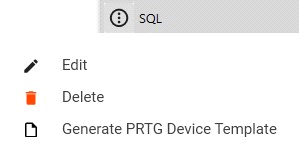
Edit Query group
