
PRTG Manual: Download the installer
Download the PRTG Database Observer from the Paessler website.
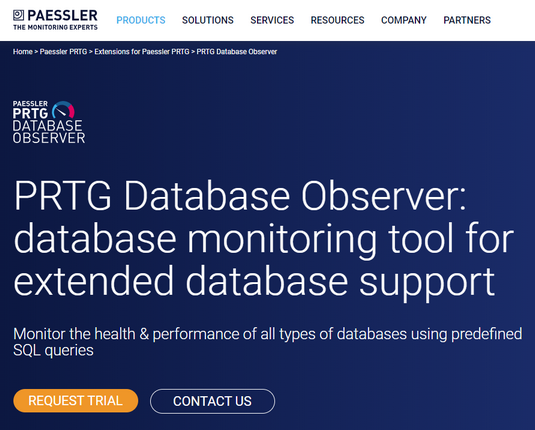
1.Click on Request Trial to register and start the download process.
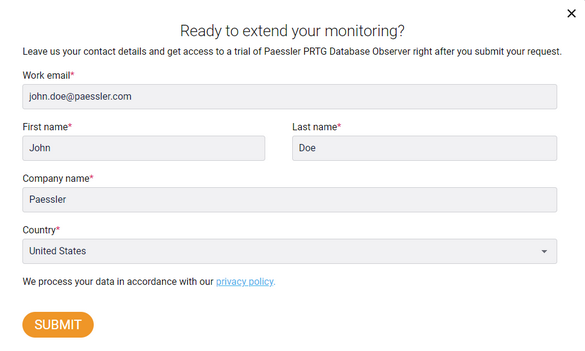
2.Fill in the required details and then click Submit.
3.Paessler will send you an email asking you to confirm your email address. Confirm your email address by either clicking the received link or following the instructions in the email.
4.Once you confirm your email address, Paessler will send another email with the download link to the extension installer.
5.Download the PRTG Database Observer installer and then proceed with the main installation.
There is only one variation of the PRTG Database Observer extension itself. The only difference between the trial version and full version is a registered license, which allows you to use all the available features.
 For more information on how to activate your license, see section License and PRTG configuration.
